People often ask me what tools I actually use when I’m designing websites, building pages, organizing client work, and improving user experience.
The truth is, I try not to overcomplicate my stack.
There are a lot of flashy platforms out there, but over time I’ve found myself returning to tools that help me work faster, communicate more clearly, and make websites more useful for the people who visit them. Some of these tools help with planning, some help with client experience, and some help me add practical functionality without turning every project into a custom development job.
These are seven tools I use, recommend, or genuinely like keeping in my workflow.
1. Figma
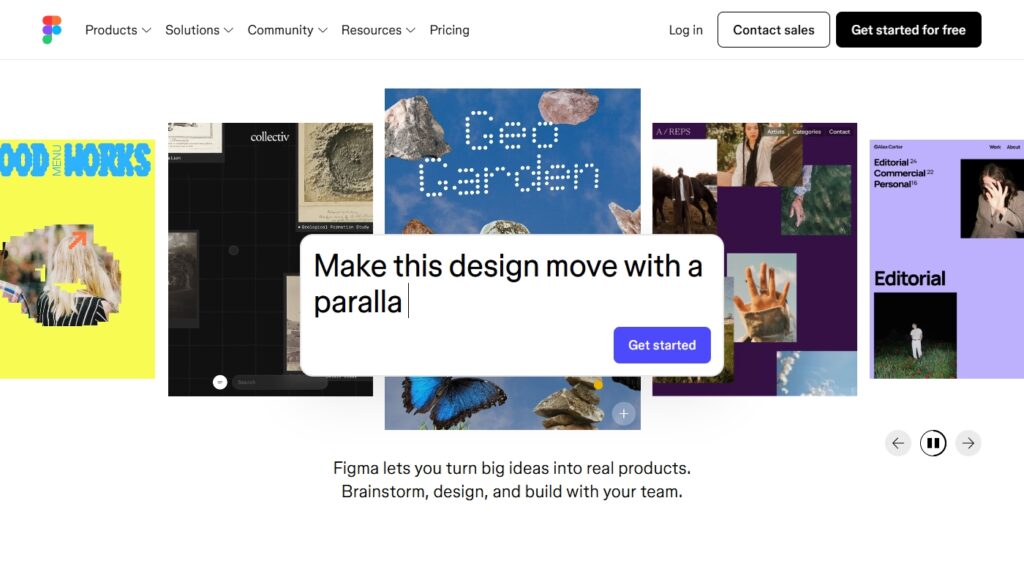
Figma is still one of the easiest ways for me to move from idea to layout without friction.
I use it for wireframes, design concepts, content structure, and sometimes just to think visually before a project goes into development. It helps me organize sections, clarify hierarchy, and show clients what a direction could look like before anything is built. For web design, that speed matters. It keeps the process collaborative without making it messy.
What I like most is that it makes design decisions easier to explain. Instead of talking abstractly about layout, spacing, or flow, I can show it.
2. WordPress
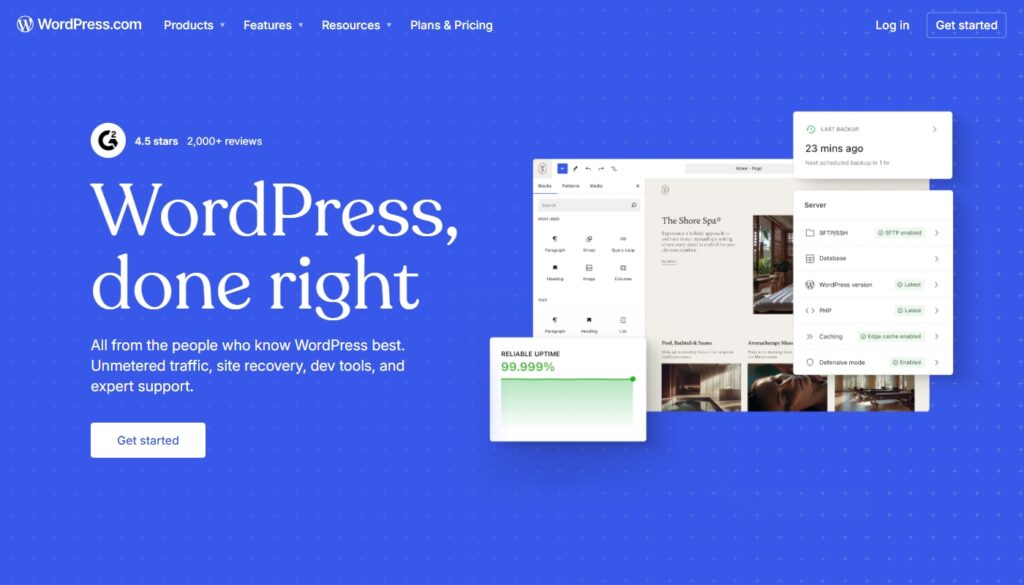
For a lot of small business websites, WordPress still makes sense.
It gives me flexibility, a familiar editing experience, and enough control to build clean, conversion-focused sites without locking clients into something they can’t manage later. I don’t use tools just because they’re popular, but WordPress continues to be practical for service businesses, local brands, and content-driven websites that need room to grow.
When I recommend a platform, I’m usually thinking beyond launch day. I’m thinking about what will still be manageable for the client months later.
3. uCalc
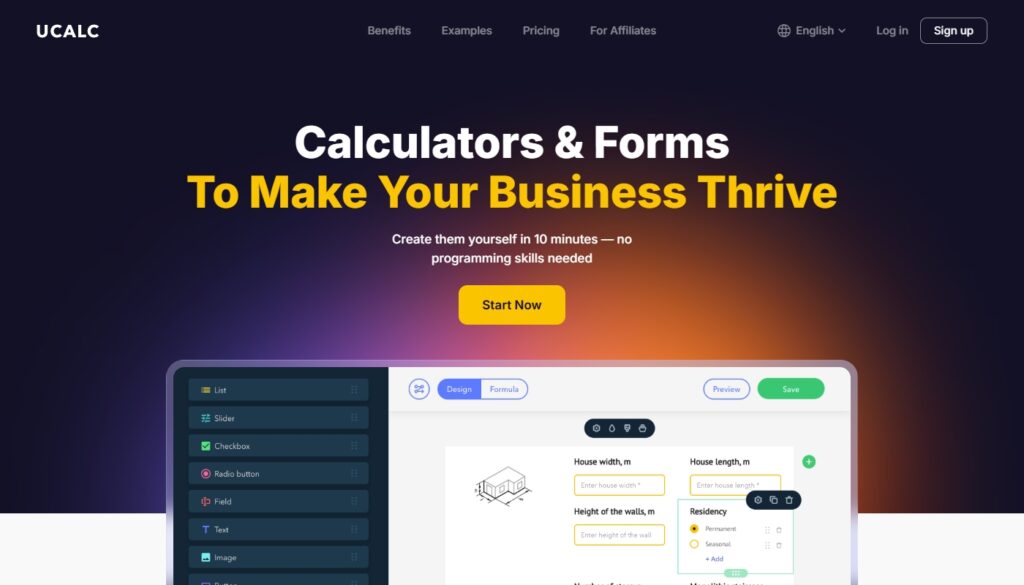
uCalc is one of those tools I like because it adds something genuinely useful to a website.
Sometimes a standard contact form is not enough. A business may need a pricing calculator, a quote estimator, or a form that helps users get to an answer faster. uCalc is built specifically for calculators and forms, with a no-code visual editor aimed at service cost estimation and lead capture workflows. Its site emphasizes that you can build calculators of different complexity without coding and tailor fields to business needs.
That makes it a strong fit for service-based websites where users want a rough estimate before reaching out. From a design perspective, I like tools that reduce friction while still helping qualify leads. A calculator can do both when it’s done well.
4. SurveyNinja
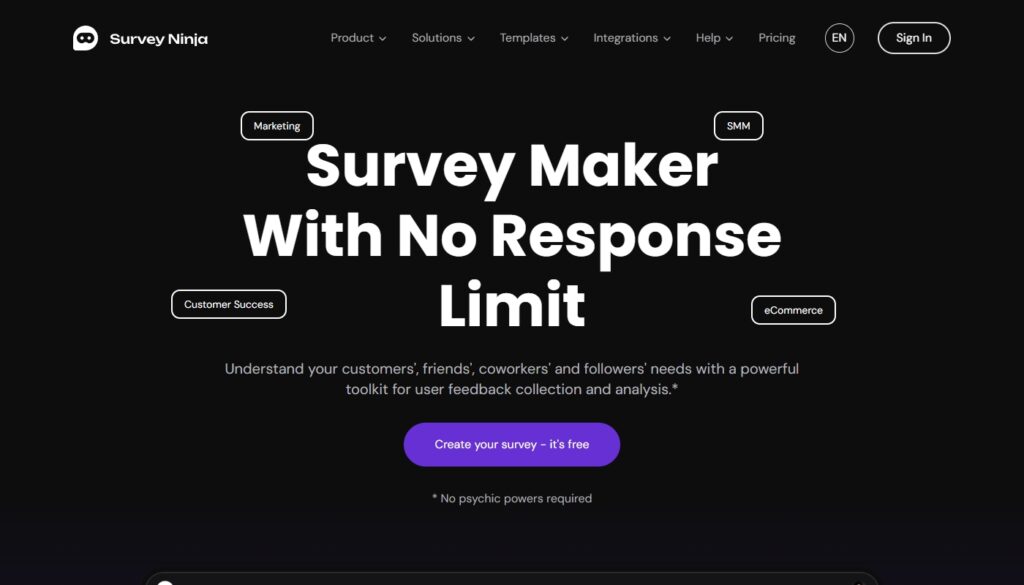
SurveyNinja is one I find useful when I want a lightweight way to collect better feedback.
A lot of websites ask for feedback in clumsy ways, or not at all. Sometimes I want to test a question after a purchase, learn what visitors found confusing, or give a client a simple way to collect responses without building a custom flow from scratch. SurveyNinja positions itself as an online survey builder with templates, adaptive design, link sharing, embedding, QR-code sharing, and feedback-focused workflows.
What I like about tools like this is that they help bring real audience input into the design process. Good design should not be based only on assumptions. When a site owner can actually ask users what felt clear, confusing, helpful, or missing, the website gets smarter over time.
5. Notion

Notion is where I keep a lot of the “in-between” work that makes projects run better.
Content notes, rough outlines, client reminders, process checklists, blog ideas, reusable copy prompts, project references — all of that tends to live there. It is not the most glamorous tool in my stack, but it is one of the most useful.
Design work is not only about visuals. A lot of good design depends on structure, consistency, and being able to keep moving without losing context. Notion helps with that.
Why these are the tools I come back to
I’m less interested in having the biggest possible toolkit and more interested in having the right one.
The tools I use most tend to have a few things in common. They save time, reduce confusion, improve communication, or help make a website more useful in the real world. That matters more to me than hype.
A design tool should help me think clearly. A website platform should support the client after launch. A calculator should make it easier for someone to take the next step. A survey tool should make feedback easier to collect and act on.
That is the standard I keep coming back to.
Final thoughts
Every designer’s workflow looks a little different, and mine continues to evolve with the kind of projects I take on.
But these are the tools I genuinely find useful right now. They help me design better, communicate better, and build websites that feel more thoughtful, practical, and user-friendly.
And honestly, that is what I care about most.